
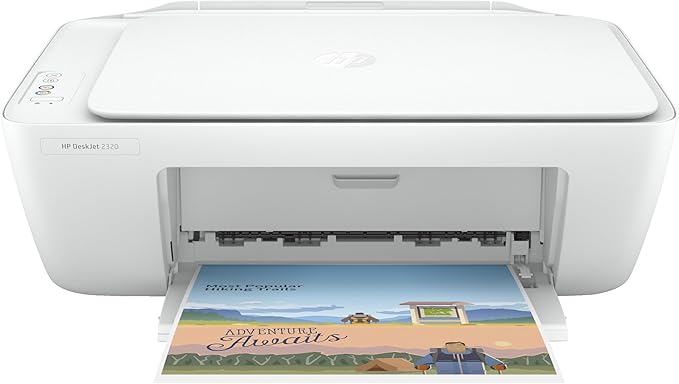
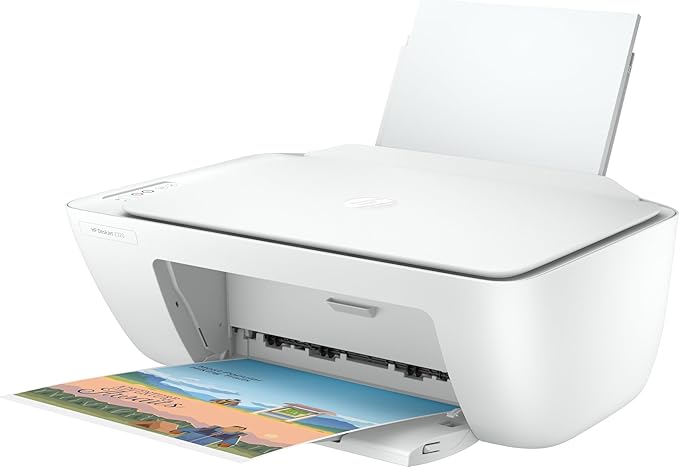
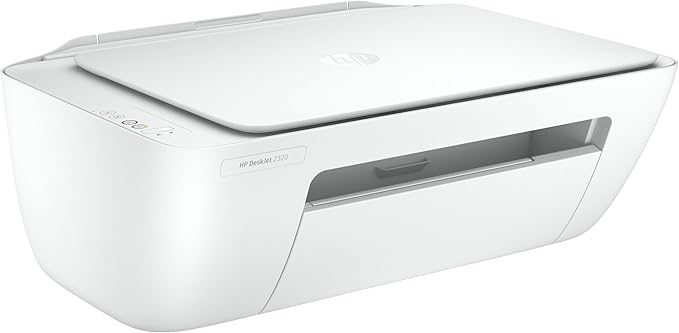
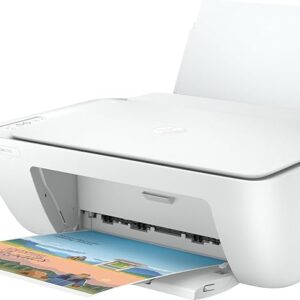
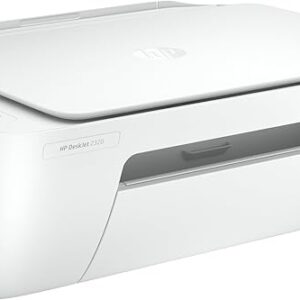
HP DeskJet 2320 All-in-One Printer – Print, Scan, Copy
Original price was: KSh 7,000.00.KSh 6,800.00Current price is: KSh 6,800.00. EXCL. VAT
HP DeskJet 2320 All-in-One Printer – Print, Scan, Copy
The HP DeskJet 2320 All-in-One Printer is a compact and affordable solution for printing, scanning, and copying documents at home or in a small office. Easy to use and designed for everyday productivity.
-
Model: HP DeskJet 2320 All-in-One Printer
-
Functions: Print, Scan, Copy
-
Connection: USB / Wireless (depending on configuration)
-
Print Technology: Inkjet
-
Recommended Use: Home, Small Office, Students
-
Dimensions: Compact footprint for space-saving placement
-
Warranty: Manufacturer’s standard warranty
HP DeskJet 2320 All-in-One Printer – Print, Scan, Copy
The HP DeskJet 2320 All-in-One Printer is a versatile and user-friendly device that combines printing, scanning, and copying in one compact unit. Engineered for everyday document and photo tasks, it is ideal for home users, students, and small office environments that need reliable performance without complexity.
With its space-saving design and straightforward setup, the HP DeskJet 2320 All-in-One Printer helps you complete essential tasks with minimal effort — from school assignments and work documents to family photos and personal projects.
Product Overview
The HP DeskJet 2320 All-in-One Printer simplifies everyday printing needs. Its intuitive controls and easy connectivity make it a practical choice for users who want dependable performance without the need for advanced features. Whether you’re printing important documents, scanning receipts, or copying forms, this printer delivers consistent results with crisp text and clear images.
Designed with compact dimensions, the HP DeskJet 2320 All-in-One Printer fits comfortably on desks, shelves, or workstations where space is limited. Its efficient operation and affordable running costs make it a smart option for daily use.
Product Key Features
-
All-in-One Functionality: Print, scan, and copy in a single compact unit
-
User-Friendly Operation: Simple control panel and quick setup
-
Reliable Performance: Consistent printing quality for everyday tasks
-
Compact Design: Space-efficient footprint ideal for home or small office use
-
Affordable Running Costs: Efficient ink usage for cost-conscious printing
-
HP Quality: Trusted reliability from a leading printer brand
Benefits
-
Versatile Capabilities: Handles a range of tasks — from text documents to color prints and scanned copies
-
Easy Setup: Quick out-of-the-box installation and intuitive controls make it accessible for all users
-
Space Saving: компакт design doesn’t take up much desk space
-
Affordable Printing: Low operating cost helps keep printing budgets in check
-
Reliable Output: Clear and consistent results for everyday documents
-
Suitable for Multiple Users: Ideal for families, students, and home offices
How to Use
-
Unbox the HP DeskJet 2320 All-in-One Printer and install the starter ink cartridges.
-
Connect the printer to power and your computer or wireless network.
-
Use the printer control panel or HP app to install drivers and configure settings.
-
Load paper into the input tray and begin printing, scanning, or copying.
-
Perform routine maintenance such as aligning cartridges and cleaning printheads as needed.
This device is intended for lawful and ethical document, photo, and content creation tasks in personal, educational, and professional settings.
Compliance Statement
The HP DeskJet 2320 All-in-One Printer is designed to meet standard safety and electronic compliance regulations. It supports responsible printing practices and is intended for legitimate personal and professional use.
Product Technical Specifications
-
Model: HP DeskJet 2320 All-in-One Printer
-
Functions: Print, Scan, Copy
-
Connection: USB / Wireless (depending on configuration)
-
Print Technology: Inkjet
-
Recommended Use: Home, Small Office, Students
-
Dimensions: Compact footprint for space-saving placement
-
Warranty: Manufacturer’s standard warranty
Conclusion
The HP DeskJet 2320 All-in-One Printer offers essential printing, scanning, and copying capabilities in a compact, affordable design. With easy setup and reliable performance, it’s a practical choice for everyday home and small office productivity needs.
Be the first to review “HP DeskJet 2320 All-in-One Printer – Print, Scan, Copy”
Related products
Printers & Office
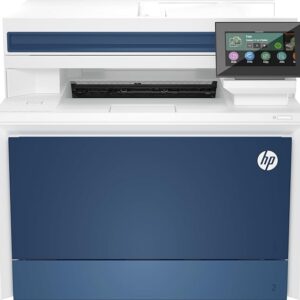
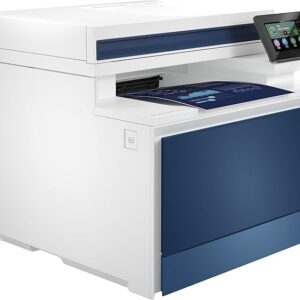
HP Color LaserJet Pro MFP 4303fdw Printer – Fast Color Laser All-in-One
Printers & Office
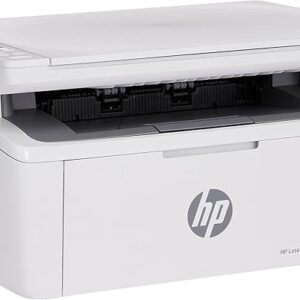
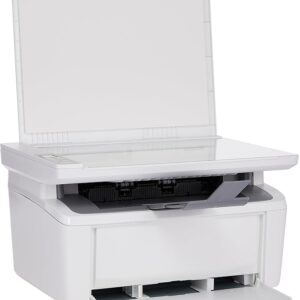
HP LaserJet MFP M141w Printer – Fast Monochrome Print, Scan & Copy
Printers & Office
Epson WorkForce DS-1630 Scanner | A4 Flatbed & ADF Document Scanner
Printers & Office
HP Color LaserJet Pro MFP 3303sdw Printer – Fast Color Laser All-in-One
Reviews
There are no reviews yet.