
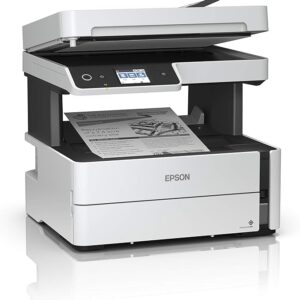
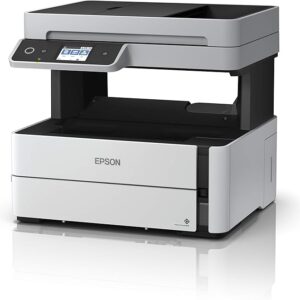
Epson EcoTank M3170 Ink Tank Printer (C11CG92404) – Duplex ADF Wi-Fi

KSh 48,500.00 EXCL. VAT
Epson EcoTank M3170 Ink Tank Printer (C11CG92404) – Duplex ADF Wi-Fi
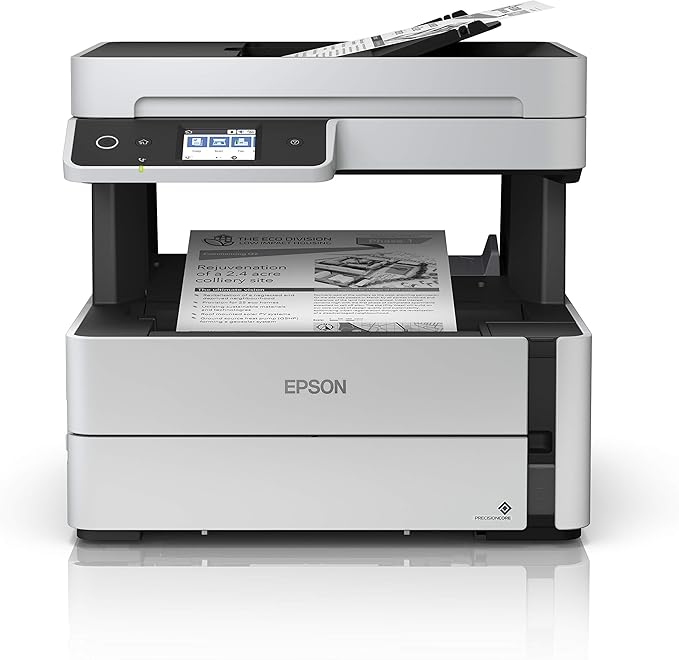
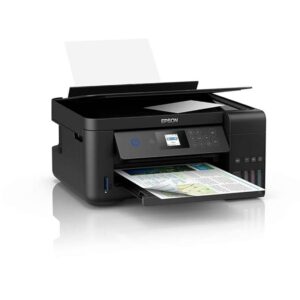
Monochrome all-in-one ink tank printer with duplex printing, ADF, fax capability, touchscreen control, and wired and wireless connectivity. Buy Epson EcoTank M3170 ink tank printer (C11CG92404) with print, copy, scan, fax, duplex printing, ADF, Wi-Fi, and Ethernet.
Epson EcoTank M3170 Ink Tank Printer (C11CG92404) – Duplex ADF Wi-Fi
Introduction
The Epson EcoTank M3170 Ink Tank Printer (Model: C11CG92404) is a powerful monochrome all-in-one printer designed for busy offices and workgroups that require efficiency, reliability, and low operating costs. With print, copy, scan, and fax functionality combined in one compact unit, this printer supports high-volume document workflows while maintaining professional output quality.
Product Overview
The Epson EcoTank M3170 (C11CG92404) is engineered for organizations that depend on fast, consistent black-and-white document production. Its refillable ink tank system significantly reduces cost per page, making it ideal for businesses, institutions, and administrative offices.
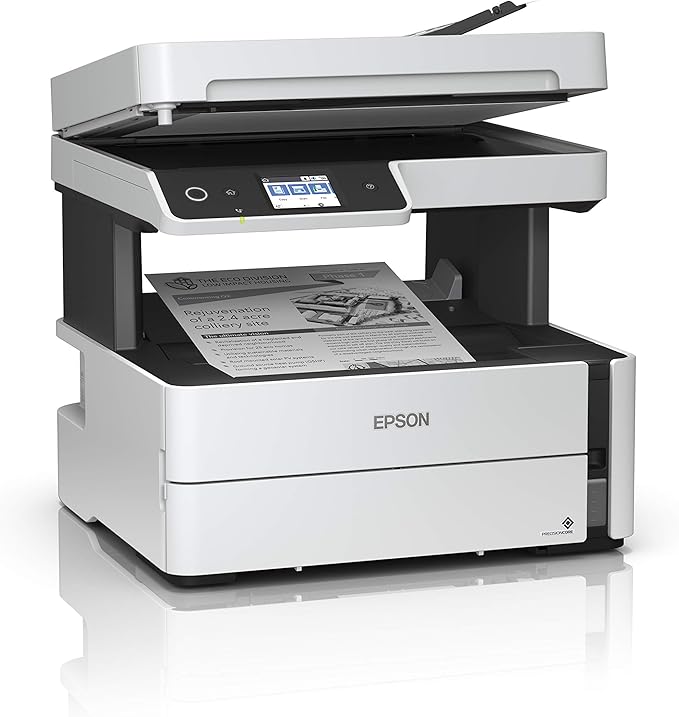
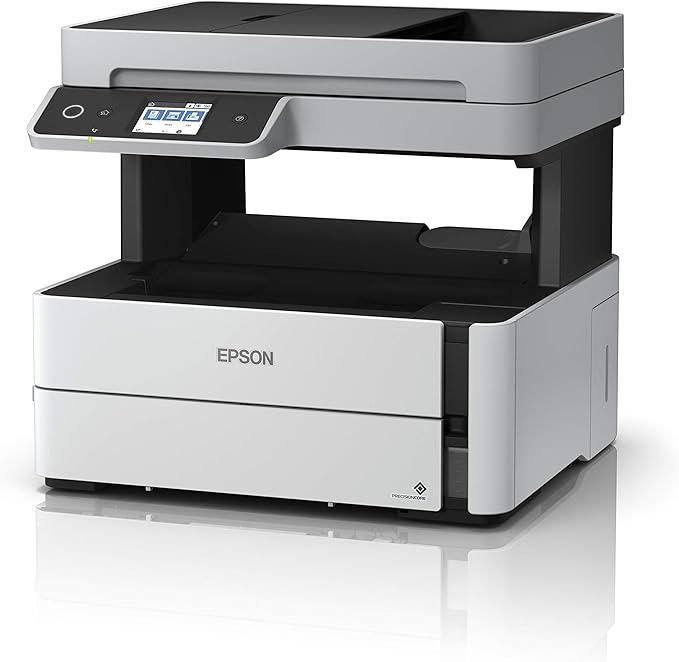
Equipped with automatic duplex printing and an Automatic Document Feeder (ADF), the printer improves productivity by reducing manual handling. Advanced connectivity options including Wi-Fi, Wi-Fi Direct, Ethernet, and USB ensure seamless integration into both wired and wireless office environments. The LCD touchscreen offers intuitive control for daily operations.
Product Key Features
Monochrome All-in-One Functionality
Supports printing, copying, scanning, and faxing for complete document management.
EcoTank Ink System
High-capacity refillable ink tanks reduce printing costs and maintenance frequency.
Automatic Duplex Printing
Enables double-sided printing to improve efficiency and reduce paper usage.
Automatic Document Feeder (ADF)
Allows fast handling of multi-page documents for copying and scanning.
Versatile Connectivity
Includes Wi-Fi, Wi-Fi Direct, Ethernet, and USB for flexible deployment.
LCD Touchscreen Panel
Provides clear, user-friendly navigation and quick access to printer functions.
Benefits
-
Lower Total Cost of Ownership: Designed for high-volume monochrome printing.
-
Increased Productivity: ADF and duplex printing reduce manual workload.
-
Centralized Document Tasks: Print, copy, scan, and fax from one device.
-
Network-Ready Performance: Suitable for shared office environments.
-
Professional Output: Produces sharp, consistent black text for business documents.
How to Use
-
Install the printer on a stable surface and connect to power.
-
Fill the ink tank with genuine Epson ink.
-
Connect via Wi-Fi, Ethernet, or USB.
-
Install required drivers and software.
-
Use the touchscreen to manage printing, copying, scanning, or faxing tasks.
Compliance Statement
The Epson EcoTank M3170 Ink Tank Printer (C11CG92404) is intended for lawful business, educational, and administrative use. It complies with applicable printing, networking, and safety standards and is designed strictly for ethical and authorized document handling.
Technical Specifications
Product Name
-
Epson EcoTank M3170 Ink Tank Printer
Model Number
-
C11CG92404
Functions
-
Print
-
Copy
-
Scan
-
Fax
Printing Type
-
Monochrome
Duplex Printing
-
Automatic
Document Handling
-
Automatic Document Feeder (ADF)
Connectivity
-
Wi-Fi
-
Wi-Fi Direct
-
Ethernet
-
USB Interface
Display
-
LCD Touchscreen
Recommended Use
-
Offices, institutions, and high-volume business environments
Conclusion
The Epson EcoTank M3170 (C11CG92404) delivers a dependable, cost-efficient solution for organizations that need fast, high-volume monochrome document processing. Its all-in-one functionality, duplex printing, ADF support, and modern connectivity make it a strong choice for professional workspaces.
Be the first to review “Epson EcoTank M3170 Ink Tank Printer (C11CG92404) – Duplex ADF Wi-Fi”
Related products

Printers
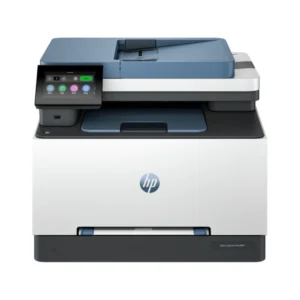
HP Color LaserJet Pro MFP 3303fdn Printer – Print, Copy, Scan & Fax with Duplex ADF (499M7A)
Printers
HP LaserJet Pro MFP 4103dw Printer – Duplex Print, Copy & Scan with Wireless & Touchscreen (2Z627A)

Reviews
There are no reviews yet.